MatDeck MatLab
MatDeck is a technical document that calculates. A formula, a matrix, a plot and a short explanation sit on the same page, which is how a lot of MATLAB work is already organised. Files saved from MATLAB can be opened in that document, so a .mat data set or an .m script does not have to be copied in by hand.
This group is the calculation side of a chemistry app. Import, stoichiometry, concentration, equation balancing, spectra, titration curves, molar mass, kinetics, equilibrium, calibration, a lab report and command sheets are separate products. Each one ships in 14 versions.
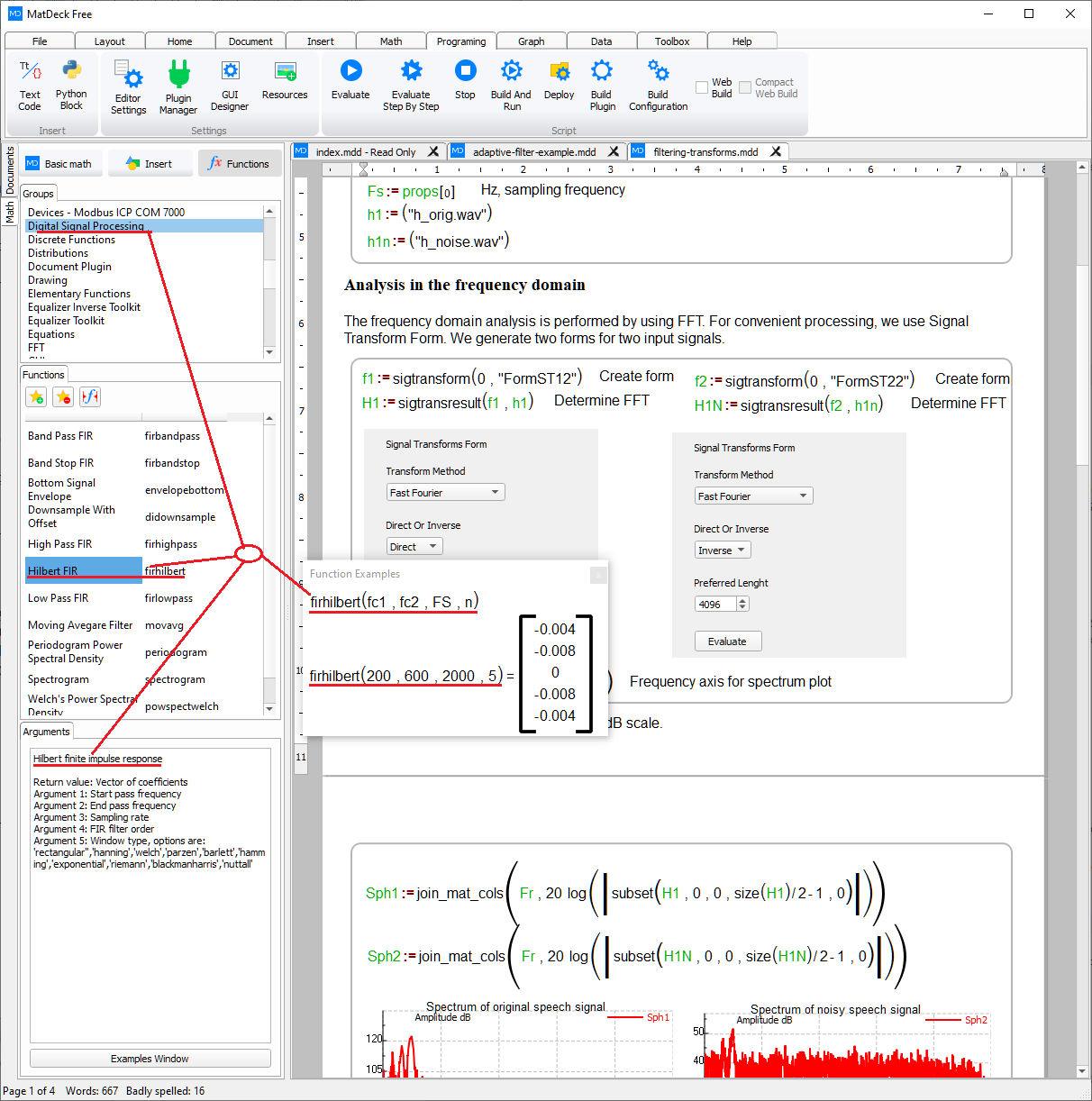
On labdeck.com, MatDeck opens MATLAB files directly. The products here are the pieces of that workflow for chemistry: bring the file in, work the amounts and the spectra, and publish the page you calculated on.
Products in this group (12)
- MATLAB File Import — Read .mat data and .m scripts straight into a MatDeck chemistry document.
- Stoichiometry Sheets — Balance amounts, moles and masses on a MatDeck sheet.
- Concentration and Dilution — Molarity, dilutions and stock-to-working calculations.
- Chemical Equation Balancer — Balance chemical equations and keep the coefficients on the sheet.
- Spectra Plot Studio — Plot absorbance, emission and chromatographic traces from MATLAB arrays.
- Titration Curve Sheets — Titration curves, equivalence points and volume calculations.
- Molar Mass and Units — Molar masses and unit checks inside a calculation.
- Kinetics Rate Solver — Rate laws, half-life and concentration-versus-time fits.
- Equilibrium Constant Sheets — Kc, Ka and Kb sheets with the species table beside the result.
- Calibration Curve Builder — Linear calibration curves for concentration from instrument readings.
- Lab Calculation Report — Turn a chemistry calculation sheet into a formatted lab report.
- Chemistry Command Sheets — Worked MatDeck command sheets for the functions used in a chemistry document.